
Overthinking your first online store can start with a browser full of open tabs. One tab is about the name, another is about what to sell and a third is about ads. Start by choosing the person you want your first digital product to help.
You can sell digital products around what you know, do or love. Ecomzy gives you a prepared storefront and catalog, so you can spend your first session on a useful customer question.



Why the first decisions can feel bigger than they are
You are making several unfamiliar choices at the same time. Giving each one its own place can make the work easier to see. A buyer and one useful product give your own online store a direction.
The U.S. Small Business Administration recommends learning about potential customers and checking alternatives in its planning guidance. Start by finding out which problem comes up repeatedly for the people you want to reach.
Pick a specific moment. A teacher deciding what to prepare for Monday has a different need from a teacher setting up an entire term. That difference shapes what should go into a planner.
A name or logo can wait while you decide which of those tasks you will help with. Use your product page to explain who it’s for and what the buyer gets.
Advice about ads and expansion is easier to evaluate once you have a product to show. Put those questions on a list for later and give yourself one starting point for today.
You can leave the session with a buyer in mind, a task to help them do and a few words about the kind of product they might look for in the digital catalog.
Why beginners fall into overthinking
A guide, checklist and planner can all help with a familiar routine. Their jobs differ. A guide explains which steps to follow, while a planner gives the reader a place to make choices.
Use the catalog to compare two formats around the same need. That gives you a useful decision to make without weighing every tool and channel at once.

A first choice can feel final when you are looking at a long list of options. Put a name to the uncertainty so it becomes something you can check.
You might want to know whether someone would use a one-page materials list or a weekly planner from the prepared catalog. Ask them what they already use to get ready for Monday.
Planning can help if it gives you a question to answer. Set a stopping point for reading and choose one person or source to ask.
Write the next action in a short sentence. “Read the details of one ready digital product” gives you an action you can finish.
The first useful step can fit into a small opening in your week. Leave yourself a note about what you expect to find out.
With the storefront and catalog prepared, you have something specific to explore. The steps that follow show how to use that starting point.
What people usually focus on too early
Choose a name people can read and recognize. You can settle on a working name while you learn how to describe the offer.
Ask someone to read the title and tell you what they expect to receive. Their answer gives you a clue about which words are clear.
The prepared design gives you a starting layout. A small product preview can help a visitor decide whether the material fits what they need.
Make the product description, visible price and path to checkout easy to find. Save decorative changes for after you have checked those details.



Begin by featuring one item. A small selection gives you room to explain why it is useful and show a realistic example.
As you hear other questions, you can look through the catalog for related material. Add an item when it answers a need you can name.
Make a short note of any question about the website or checkout. Sort the ones a buyer would need answered before ordering from the ones you can revisit later.
Handle payment and access questions before you share the store. Keep the other ideas for later.
What actually matters at the beginning
A few visible choices help you work through the early decisions. Start with the points you can write down and check.
When you are just starting, only a few things really matter:
- Know who you want to help
Name someone in a specific situation. “A teacher getting materials ready for Monday” is a starting point you can discuss with real people.
- Create one useful offer
Decide what the buyer should be able to do after opening the product. Then choose a format that gives them a practical way to do it.
- Set up a clear store
Put that purpose near the top of the product page. A preview, the actual price and clear access information help visitors decide what to do next.
- Choose one way to get noticed
Pick a place where people already ask questions about the topic. Think of a tip you could share there in your own words.
A customer question or a preview on your product page can give you something useful to test. Start with the part you can check today.
Find a digital product your buyer can understand.How to start without overcomplicating it
The steps below take you from choosing a customer to sharing your first product page. You can pause after any step where you have a clear question to answer.
Keep a note of the decision you made and the evidence you used. That way you have a place to return tomorrow.
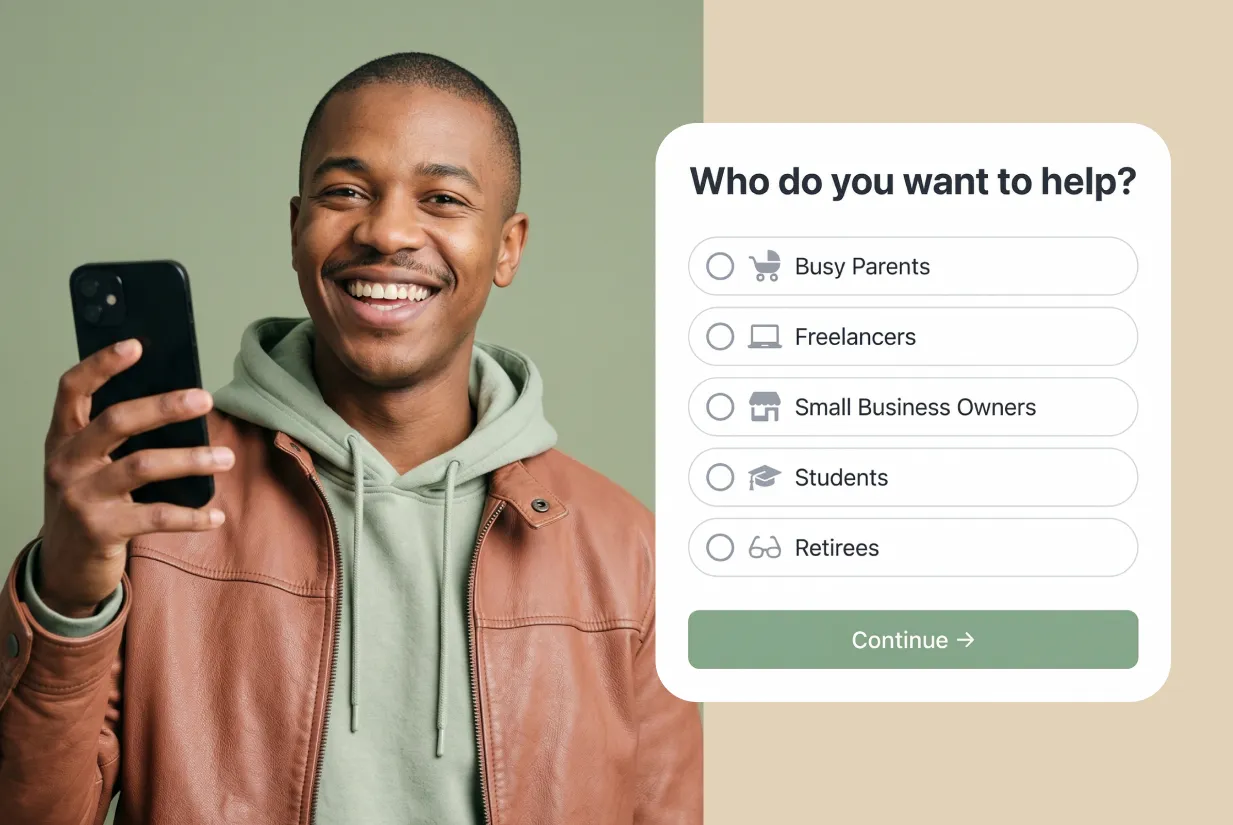
Step 1: Choose one type of customer
Pick a group you understand, such as home cooks planning weekday meals or teachers preparing lessons. Think about the situation they are in when they would open the product.
Use what you know about their day to narrow the first idea. A prepared catalog gives you a place to compare options for that group.
Try describing one person by a task, such as a parent deciding what to pack for a class outing.
Use that detail to narrow your options in the digital catalog. They might need to keep track of what goes in the bag and what the school supplies.
You can turn that into a sentence: “I want to help parents get ready for a school trip without searching through several notes.”
The sentence gives you a direction for choosing one product and writing the first page.
Step 2: Pick one clear problem
Pick a problem that comes up often enough for someone to recognize it. A new teacher might collect every supply in one spot before Monday.
Name the part that needs help. Think of a materials checklist and a full lesson plan as different options when you browse the digital catalog.
Ask someone how they do the task today. The words they use can give you a better title or description.
The first offer is easier to explain when you can name its job in one sentence. Start there as you compare digital product formats.
Keep the sentence nearby so you can check whether each example or feature serves the purpose.
Step 3: Start with one offer
Begin with a product you can explain in a few sentences. Show one thing the buyer can do with it and the information they will receive when they pay.
Digital products reach the buyer electronically. You have no physical stock to pack or ship, and automatic email delivery sends access after a purchase.
Choose a guide if someone needs instructions, a checklist if they want to track tasks or a planner if they need space to make decisions.
Start with a ready product or use the AI digital product creator to make your own. Review the draft and add what you know about the subject.
If you are comparing formats, the guide to what digital products are can help you decide what to show on the page.
Step 4: Check if people already care about that problem
You do not need deep research at this stage, but you do need a little proof that the problem matters. Look at what people ask online.
Read comments. Compare the questions reviewers ask with what you see in the digital catalog. Notice what people complain about again and again. Pay attention to the words they use when they describe their frustrations.
Focus on statements that relate to the routine you chose. A person who says they struggle to fit materials planning into Sunday evening has given you a clearer clue than a general like or click.
Questions and similar products can be useful research clues. Look at actual feedback and alternatives rather than treating their existence as proof of demand for your own offer.
Step 5: Build a store that is easy to understand
A visitor should see what is offered, who it helps and what they receive. Use one ordinary example near the top of the page.
Check the title, price, preview and checkout path before you share the link. Give each of those parts one clear job.
A change to the font or logo can wait while you check whether someone can read the product description and find the next action.
Keep a note of questions that come up. Then use one to guide the next improvement you make to your own online store.
With the website and catalog already prepared, you can plan the first offer and review the settings you need to use.
Step 6: Use simple language on every page
On your product page, explain it in words a buyer already uses. “A checklist for packing classroom supplies on Friday” gives someone a more useful picture than a broad promise to save time.
Write the way you would explain the product to a friend. State what it provides, who it is intended for and any limitations. Only claim time savings or other outcomes that you can support.
A visitor should know what they can do after opening the material. Read your product description aloud and shorten anything you would never say in a conversation.
Step 7: Bring in your first visitors from one place
Pick one place people in your group already turn to for advice. Give yourself a manageable way to share something useful there.
For example, if teachers trade planning tips in a group, check whether the group allows members to share resources from their stores.
Then create helpful content that connects naturally to what you sell. If your product helps with planning, share planning tips. If it helps with writing, share easy writing ideas. If it helps people stay organized, share simple ways to reduce daily stress.

Use the response to learn. If a teacher asks whether the list can be printed, check the actual format and answer that question on the product page.
Compare the questions you hear with what you wrote at the start. A single relevant reply can help you make the offer clearer.
Why Ecomzy makes the first steps easier
The website, products and delivery tools give you a place to start when your idea is still taking shape.
Here is how Ecomzy helps remove that weight:
- A ready-made website
A mobile-friendly layout, custom domain and checkout give buyers a place to read about the product and purchase it.
- A catalog of ready digital products
Choose a ready product that fits the task, or use what you know to create your own.
Explore the store features that are already in place.- Automation handles routine work
After payment, the buyer automatically receives an email with access. You can check what the buyer receives and leave time for questions that need your attention.
- A discount on add-on packages
The $100 Welcome Gift is a $100 discount on eligible add-on packages. You can check what’s available when you’re ready.
- Personal help
Your Growth Manager can help from day one. Ask about the catalog, the setup or how the access email works.
See the wider process in our guide to how to sell digital products. Then use what you learned to check the part of the first offer you are working on now.
How to know you are ready
Many people keep asking themselves, “Am I ready yet?” A better question is, “Do I know enough to take the next step?” That is a much healthier way to think about starting.
Use these questions to assess your first store offer, then check the practical requirements and costs:
- Who do you want to help?
- What problem are you solving?
- What is your first offer?
- Can people understand it quickly?
- Where will your first visitors come from?

Pick the next question that would help a customer understand your offer. Give yourself a small way to answer it.
Start with the question you can answer today
Choose a person you understand and a digital product they could use. You can get to know the prepared store while you decide what belongs on your first page.
If you have a choice between two possible formats, try describing both in everyday words and ask someone which they would use.
Keep what you learn. Your next step gets clearer when you have something specific to test.
You can explore digital products alongside the life you already have, beginning with one question that matters to the person you want to help.
Browse the catalog with one person and one task in mind.
14 days free, then $39/month · cancel anytime.